
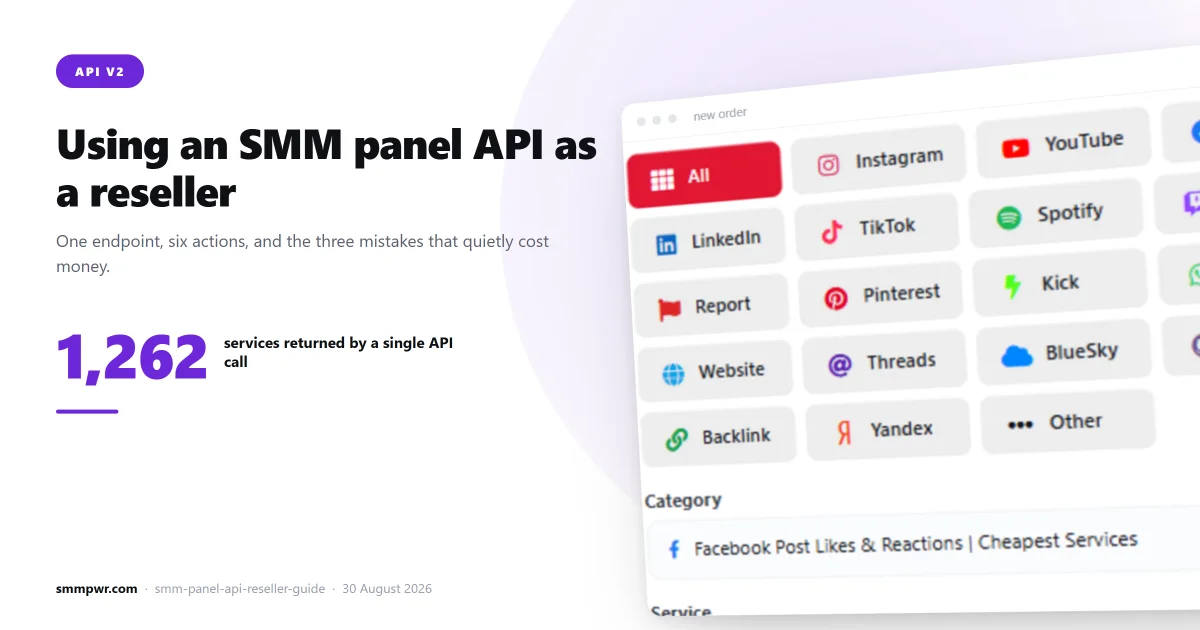
If you sell social media services, at some point you stop placing orders by hand. The API is how that happens. The good news is that the SMM industry converged on a single de facto standard years ago (API v2), so the integration you write for one supplier works almost unchanged for the next.
This is a practical walkthrough: what the endpoints do, what the failure modes are, and the decisions that actually cost money if you get them wrong.
What does SMM panel API v2 look like?
Everything is a POST to a single endpoint with an action parameter and your API key. There are no REST paths, no JSON request bodies, and no OAuth. It is form-encoded and boring, which is why it works everywhere.
The actions you need:
| Action | What it does |
|---|---|
services | Returns the full catalogue: service ID, name, category, rate per 1000, min, max, and which features the service supports |
add | Places an order. Takes a service ID, link and quantity, plus extra fields for drip-feed or custom comments |
status | Returns charge, start count, remaining and status. Pass order for one, or orders with up to 100 comma-separated IDs for a batch |
refill | Requests a refill, single or up to 100 at once. refill_status checks how it went |
cancel | Requests cancellation, where the service supports it |
balance | Returns your remaining balance and currency |
Order placement has three shapes: a default order (service, link, quantity), a custom-comments order (a newline-separated comment list instead of a quantity), and a subscription (a username plus min/max, which watches for new posts and creates orders automatically).
What usually goes wrong in a reseller integration?
Why is polling order status one at a time a problem?
This is the most common mistake and it is expensive in both rate limit and wall-clock time. Use the orders parameter instead of order: it accepts a comma-separated list of up to 100 order IDs and returns them all in one response, with per-order errors for any ID that is wrong. Polling 500 orders individually every five minutes means 500 requests; polling them in batches of 100 means five.
Also: stop polling completed orders. Once an order reaches a terminal state, it does not change. Keeping finished orders in your polling loop is the single biggest source of wasted API calls in most reseller integrations.
How often should you refresh the service list?
Supplier catalogues change constantly. Services get disabled, prices move, minimums and maximums change. If you cached the list a month ago and you are still pricing from it, you are quoting numbers that no longer exist. And when a service is removed upstream, your orders start failing with errors your customers see.
Refresh the catalogue on a schedule, and diff it. What you want to catch is: services that disappeared, services whose rate moved enough to break your margin, and services whose maximum dropped below order sizes you already sell.
Why do you need to reconcile your supplier balance?
Every order costs you money at the supplier and earns you money from your customer. Those two numbers drift apart quietly: partial deliveries, cancellations, refunds and rate changes all cause it. Pull balance on a schedule and reconcile it against what your own system thinks you spent. A mismatch is the earliest signal that something is wrong in your order pipeline.
How should a reseller set markup on supplier rates?
Your markup is applied to the supplier rate, and the temptation is to apply one flat percentage across the catalogue. That is a mistake, because the catalogue is not homogeneous.
Cheap, high-volume services like views and low-tier likes are the ones customers price-compare, often down to the third decimal. Margins there have to be thin. Expensive, targeted or guaranteed services are bought on trust and specificity, and they carry a much larger markup comfortably.
A workable structure is a percentage markup with a floor, so tiny-rate services do not end up priced at fractions of a cent, and a lower percentage on the handful of services you compete on directly. Whatever you choose, apply it programmatically from the supplier rate instead of typing prices in by hand. Otherwise a supplier price rise silently turns into a loss.
What are drip-feed and mass order?
Two features worth exposing to your customers because they are easy to support and genuinely useful.
Drip-feed splits one order into runs delivered at intervals: quantity per run, number of runs, and delay between them. It is how you make growth look gradual instead of arriving in a single spike. Through the API it is the same add action with extra parameters.
Mass order is a batch submission: a list of orders in one request. If your customers are agencies handling many accounts, this is the feature they will ask for first.
Child panel or API integration: which should you choose?
Two ways to resell, and they suit different people.
An API integration means you run your own panel and point it at a supplier. You control the front end, the pricing, the customer accounts and the support. It requires you to build and maintain something.
A child panel is a ready-made panel on your own domain, provisioned by the supplier. No development work, much less control. It is the faster path if you want to start selling this week rather than this quarter.
The API route is worth it if you plan to differentiate: on interface, on service selection, on support quality. If you plan to compete purely on price, the child panel gets you there with less overhead.
How do you choose an SMM panel supplier?
Price is the obvious criterion and the least reliable one, because the cheapest rate on a service that does not deliver costs you a refund plus a customer. What to check instead:
- Does the supplier publish delivery data? Measured average completion time and recent delivery volume tell you whether a service is alive right now. Most suppliers publish neither.
- Is the catalogue stable? Diff it across two weeks. A supplier whose services churn constantly will break your integration repeatedly.
- Does refill actually work? Test it on a small order before you promise guarantees to customers.
- What happens when an order fails? Find out whether you get a refund automatically or have to open a ticket for each one.
How do you get started with the SMM PWR API?
Our API is standard v2. If you have integrated with any SMM supplier before, the only thing that changes is the endpoint and the key. The full parameter reference is on the API page. The catalogue exposes the same measured delivery data the services page shows — average completion time, queue time, live delivery rate and drop rate — wherever the provider behind a service publishes it: of our 2,066 services, 1,523 carry a measured average completion time, 48 a live delivery rate and 35 a drop rate, while 495 carry no measured figures at all. Provider data is refreshed every four minutes.
Child panels are available if you would rather not build. Create an account to get an API key and start against the live catalogue.