
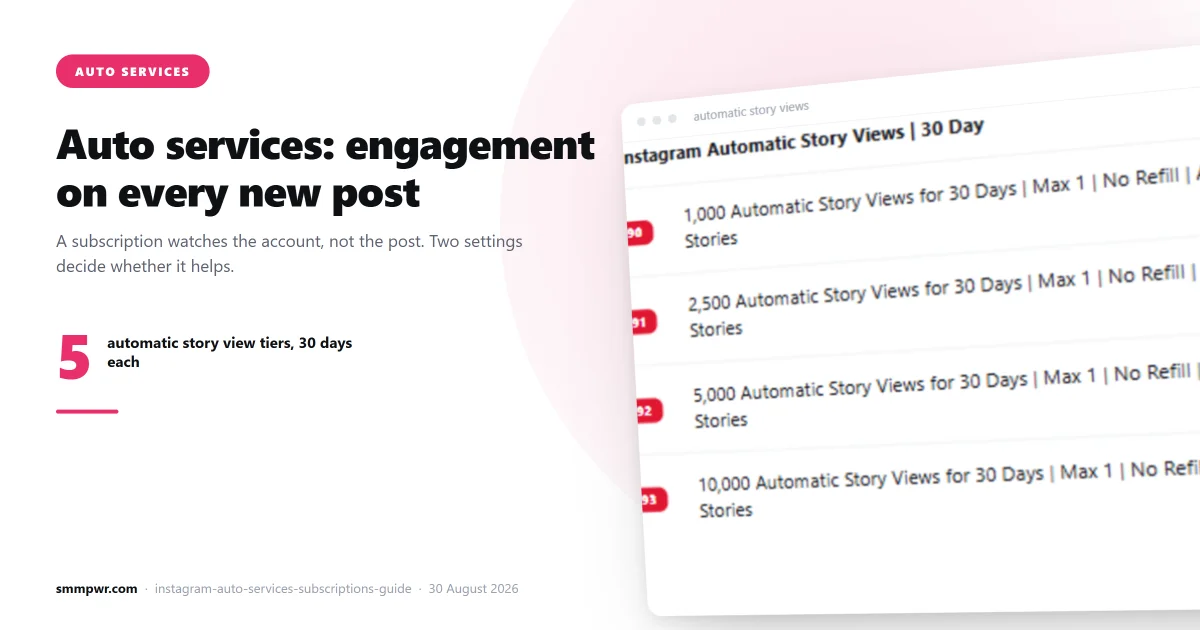
If you post regularly and buy engagement each time, you are doing manual work that a subscription does better. Auto services watch your profile and place the order themselves the moment a new post appears.
They are also the feature most people set up wrong, in a way that makes the account look worse than doing nothing.
How a subscription actually works
An ordinary order takes a link. A subscription takes a username and then watches that account. When you publish, it detects the new post and creates an order against it automatically.
The settings that matter:
- Min and max quantity. You give a range, not a fixed number. Each new post gets a quantity picked within that range, so your posts do not all land on exactly the same number.
- Delay. How long to wait after the post appears before ordering. Options run from 0 minutes up to 600 (ten hours).
- Posts. How many future posts the subscription should cover. Leave it unset for unlimited.
- Old posts. How many of your existing posts to process when the subscription starts, if the service supports it.
- Expiry. An end date, if you want the subscription to stop on its own.
The min/max range is the important one
This is where most setups go wrong. If you set min and max to the same number, say 500 and 500, every post you publish gets exactly 500 likes. Forever.
Nothing in organic behaviour produces that. Real posts vary: a good one outperforms, a weak one underperforms, and the spread between them is usually large. A feed where every post has 500 likes, give or take nothing, is the clearest possible signature of automated purchase. It is visible to anyone scrolling your profile, not just to a platform algorithm.
Set a genuine range. If your posts organically get 200 to 900 likes, a min/max of 150–600 on top of that keeps the variation looking like variation. The wider the range you can tolerate, the better it reads.
The delay setting is not padding
Zero delay means engagement starts arriving the instant the post goes live. On a post that has been visible for eleven seconds, that is not a plausible pattern. Nobody had time to see it.
A delay of 5 to 30 minutes puts the first engagement inside the window where real followers would plausibly have seen the post. It also spreads the curve: organic engagement on a healthy post rises over the first hour or two, not as a block at second zero.
Varying the delay across subscriptions helps too. If you run both auto likes and auto views, giving them different delays produces a more natural sequence than firing both simultaneously.
What is in our catalogue
We currently carry eight auto services. The two most broadly useful:
| Service | Price / 1000 | Min | Max |
|---|---|---|---|
| Instagram Auto Views | $0.005 | 100 | 10,000,000 |
| Instagram Auto Like | $0.50 | 50 | 1,000,000 |
The rest are a female-likes subscription at $1.50 and five heavier action services (saves, shares, reposts and comments delivered by real accounts) running from $35 to $85, priced far higher because a save or a repost is a much heavier action than a like, and the accounts performing them are not bots.
Auto views at $0.005 per 1000 is among the cheapest automation on the panel. On reels in particular, view count is the number that gates whether anyone gives the post a second of attention, and it is the metric where a high number is least suspicious, since views come from non-followers all the time.
A sensible configuration
For an account posting a few times a week:
- Auto views with a wide min/max range and a 5–15 minute delay. Views are low-risk and high-benefit.
- Auto likes at a level that keeps your like-to-follower ratio in a normal band, roughly 2–6% of your follower count for most accounts. Use a genuine range, and a longer delay than the views, say 20–45 minutes.
- Leave saves and comments manual unless you have a specific reason. They are expensive, and a post with unusual comment volume attracts more scrutiny than one with unusual likes.
- Set an expiry date when you start. It forces you to look at the results and decide again, instead of a subscription running for a year against posts you forgot about.
The failure mode to watch for
A subscription keeps ordering whether or not the service behind it still works. If the upstream provider breaks, your subscription can quietly place orders that never deliver, and because you are not watching each one, you may not notice for weeks.
Check the delivery data on the service every so often. Many services on our panel show a measured average completion time — 1,523 of 2,066 today — refreshed every four minutes, alongside queue time and, where the provider reports one, a drop rate. If the average time on your subscription's service has climbed or the queue has stacked up, pause it.
Also check your balance. Subscriptions spend money without you doing anything, which is the point, but it means a runaway configuration is a real risk. The expiry date is your safety net.
Subscriptions through the API
If you resell, subscriptions are exposed through the API as an add action with a username, min, max and delay instead of a link and quantity. The full parameter list is on the API page, and the practical guidance is in using an SMM panel API as a reseller.
All eight auto services, with live prices and delivery data, are on the services page.
Related services
What this article describes, on the price list:
- Instagram Likes SMM panel — 209 services from $0.08 per 1000
- Instagram Views SMM panel — 37 services from $0.0012 per 1000
- Instagram Followers SMM panel — 167 services from $0.70 per 1000
- Instagram Comments SMM panel — 132 services from $0.8136 per 1000
- Instagram SMM panel — the whole catalogue for that platform