
Kick is the newest of the big streaming platforms, and the market for stream services around it is still thin compared to Twitch or YouTube. That has one practical consequence for anyone buying live stream views: the pricing model is different from almost everything else on an SMM panel, and if you order the way you would order Instagram likes, you will waste money.
You are buying viewer-minutes, not viewers
On most services, price scales with quantity. One thousand likes costs twice what five hundred costs, and that is the end of it. Kick live stream views are priced on a second axis: how long each viewer stays in your stream.
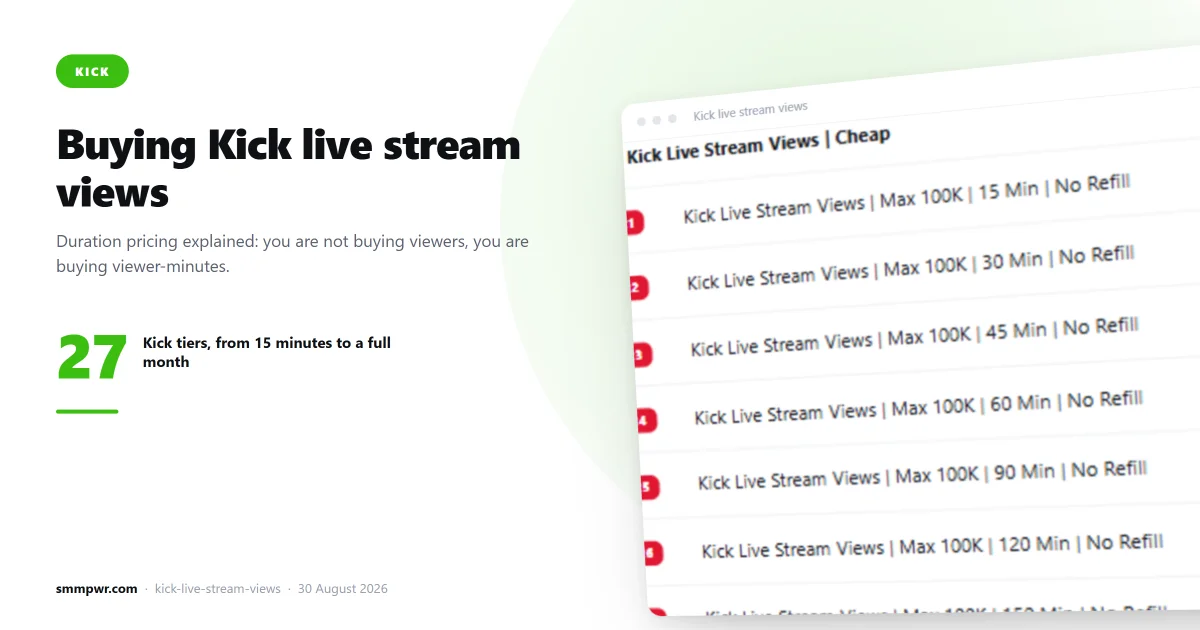
Here is the Kick ladder — the Max 10K series, all for the same maximum of 10,000 viewers, priced by how long the viewers stay:
| Viewer duration | Price per 1000 |
|---|---|
| 15 minutes | $0.43 |
| 30 minutes | $0.85 |
| 45 minutes | $1.26 |
| 60 minutes | $1.69 |
| 120 minutes | $3.39 |
| 180 minutes | $5.09 |
| 240 minutes | $6.80 |
| 300 minutes | $8.45 |
| 1440 minutes | $20.41 |
| 1 week | $90.82 |
| 1 month | $170.02 |
Notice that the price is almost perfectly linear: roughly $0.028 per 1000 viewers per minute up to the 300-minute tier, with no premium on the shortest 15-minute tier. The 1440-minute, 1-week and 1-month tiers get progressively cheaper per minute — long holds are where the bulk discount lives. That is unusual and it is useful, because it means the decision is purely about matching your stream, not about hunting for the best-value tier.
How to pick a duration
The rule is simple: buy the tier that matches how long you actually stream, and never longer.
If you stream for two hours and buy the 4-hour service, you are paying double for time that does not exist. The viewers cannot stay in a stream that has ended. If you stream for four hours and buy the 15-minute service, your viewer count spikes at the start and collapses within a quarter of an hour, which looks worse than having no purchased views at all. A graph that goes straight up and straight back down is the most obvious pattern there is.
A reasonable approach for a three-hour stream is to order the 180-minute service once at the start, or to split it: a 60-minute order at the start to establish a baseline, then a second order partway through. Splitting costs the same in total and produces a less mechanical viewer curve.
Order size matters more than you think
The minimum on these services is 10 and the maximum is 10,000. Both extremes are traps.
Ordering 10,000 viewers onto a channel that normally draws 40 does not make you look popular; it makes the channel look bought, to viewers and to anyone reading the channel analytics later. The number that helps is the one that keeps you visible in a category listing without being absurd for your channel size. In practice that usually means somewhere between 1x and 3x your organic concurrent viewers, not 100x.
The reason this matters on Kick specifically is discovery. Kick's category pages sort by viewer count, so the practical value of purchased views is crossing the threshold where real users browsing a category actually see your thumbnail. Once you are visible, organic viewers can find you. That threshold is usually modest. Being in the top of a small category beats being invisible in a large one.
What these services do not do
Be clear about the limits, because the marketing around stream services is generally dishonest:
- They do not chat. Viewer count goes up; chat activity does not. A stream with 800 viewers and a dead chat is a recognisable pattern.
- They do not follow or subscribe. Those are separate services with separate pricing.
- They do not convert. Purchased viewers will not buy your merch or click your links. Their function is discovery placement, nothing else.
- They do not survive the stream. When the broadcast ends, the number is gone. This is not a durable metric like follower count.
If someone is selling you Kick views as a growth strategy on their own, they are selling you something that does not exist. The realistic use is narrow: getting a stream over the visibility threshold in its category so that organic discovery has a chance to work.
Checking a service before you order
Live stream services are more fragile than static ones. A service that worked last month may be dead today, because the delivery method depends on the platform's current tolerance. This is why our panel publishes a measured average completion time on 1,610 of its 2,168 services, a live delivery rate on 49, and a drop rate on the 35 where the provider reports one, refreshed every four minutes from provider statistics.
Before you order a stream service, look at the measured completion time and the queue. If the service publishes no time at all, or the queue has stacked up, you should not be the one to test it. If the time is short and the queue is clear, the service is working right now. Where a provider does not publish a figure, we leave the field blank instead of filling it with an invented number. An empty field is information too.
Practical checklist
- Decide your actual stream length. Pick the duration tier at or just below it.
- Set quantity at 1–3x your normal concurrent viewers, not more.
- Check the measured completion time and queue on the service before ordering.
- Start the order after your stream is live, not before.
- Consider splitting a long stream into two orders rather than one long one.
You can see all 27 Kick live stream view services with live prices and current delivery data on the services page. If you are reselling stream services to your own clients, the API exposes the same catalogue programmatically.
Related services
What this article describes, on the price list:
- Kick Views SMM panel — 6 services from $0.0093 per 1000
- Kick Live Stream Views SMM panel — 87 services from $0.0652 per 1000
- YouTube Views SMM panel — 57 services from $0.50 per 1000
- Instagram Views SMM panel — 37 services from $0.0012 per 1000
- Kick SMM panel — the whole catalogue for that platform